On this page
- Quick answer
- How AI calorie tracking works
- What the AI can see
- What the AI cannot know from a photo
- Accuracy is not one number
- When to trust the AI estimate
- When to adjust the estimate
- 1. Oil and butter
- 2. Rice, pasta, and dense carbs
- 3. Sauces and dressings
- 4. Restaurant portions
- 5. Packaged food serving sizes
- AI tracking vs manual tracking
- The best way to use CalorieCue
- A simple trust checklist
- Where AI tracking fits in your weight-loss plan
- The bottom line
- Frequently asked questions
- Is AI calorie tracking accurate?
- Is photo food logging better than manual calorie tracking?
- When should I manually adjust an AI calorie estimate?
- Can AI calorie tracking help with weight loss?
- Should I use a food scale with AI calorie tracking?
- Does CalorieCue replace nutrition labels?
AI calorie tracking sounds like it should be either magic or fake.
It is neither.
The useful version is much more practical: you take a photo, the app identifies the likely foods, estimates the portion sizes, pulls nutrition data, and gives you a first draft of the log. Then you review it like a person who was actually there.
That last part matters. The best AI calorie tracker is not the one that pretends every photo is perfect. It is the one that gets you close fast, shows the estimate clearly, and lets you correct obvious misses without turning the meal into homework.
If you are trying to lose weight, build muscle, or simply understand what you eat, that is the real value. Not perfect science fiction accuracy. Lower friction. More logged meals. Better weekly decisions.
If you are comparing apps, read the best AI calorie tracker apps guide. If you want the practical mechanics of photo food logging, this guide explains how AI calorie tracking works, when to trust it, when to adjust it, and how to use it without obsessing.
Quick answer
AI calorie tracking works best when you treat the estimate as a fast first draft.
Use it like this:
| Meal situation | Trust the estimate? | What to check |
|---|---|---|
| Simple visible meal | Usually | Protein amount, carb portion, sauce |
| Packaged food | Use label/barcode | Serving size and servings eaten |
| Restaurant meal | Adjust | Oil, butter, sauces, larger portions |
| Mixed dish | Review carefully | Ingredients hidden inside the meal |
| Home meal prep | Strong after first log | Save the meal and reuse it |
The goal is not to turn every meal into a nutrition lab. The goal is to remove the blank-page problem. Manual tracking starts with search. AI tracking starts with an estimate.
That difference is why photo food logging can be easier to repeat.
How AI calorie tracking works
Most AI calorie tracking follows the same five-part flow.
- Food recognition: the app identifies what appears in the photo.
- Portion estimation: it estimates how much food is there.
- Nutrition matching: it maps the food to nutrition data.
- Macro calculation: it estimates calories, protein, carbs, and fat.
- Review and correction: you adjust anything the app could not know.
The first step is visual. The second is judgment. The third depends on data quality.
That is why two apps can look similar but feel very different in practice. If the app recognizes the food but chooses weak nutrition data, the final estimate can still be poor. If the app recognizes most of the meal but makes correction painful, you will stop using it. Good AI calorie tracking is part computer vision, part nutrition database, and part user experience.
CalorieCue is built around that reality: snap the meal, review the estimate, correct what you know, and move on.
What the AI can see
AI is strongest when the important information is visible.
It can usually identify:
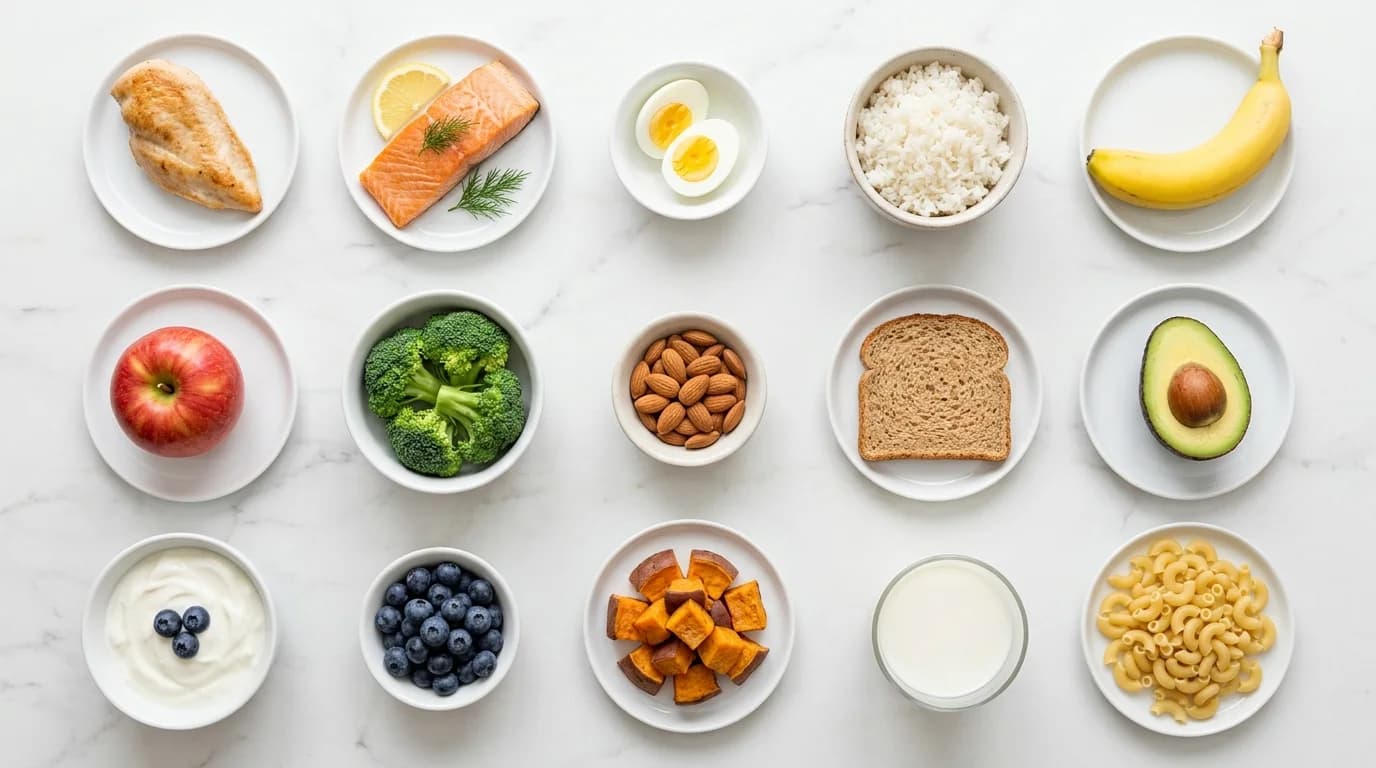
- Chicken, fish, eggs, tofu, rice, pasta, potatoes, bread, fruit, and vegetables
- Common plate formats like bowls, salads, wraps, burgers, and breakfast plates
- Obvious portion cues such as a full plate, half bowl, or single serving item
- Repeated meals once you build a consistent logging habit
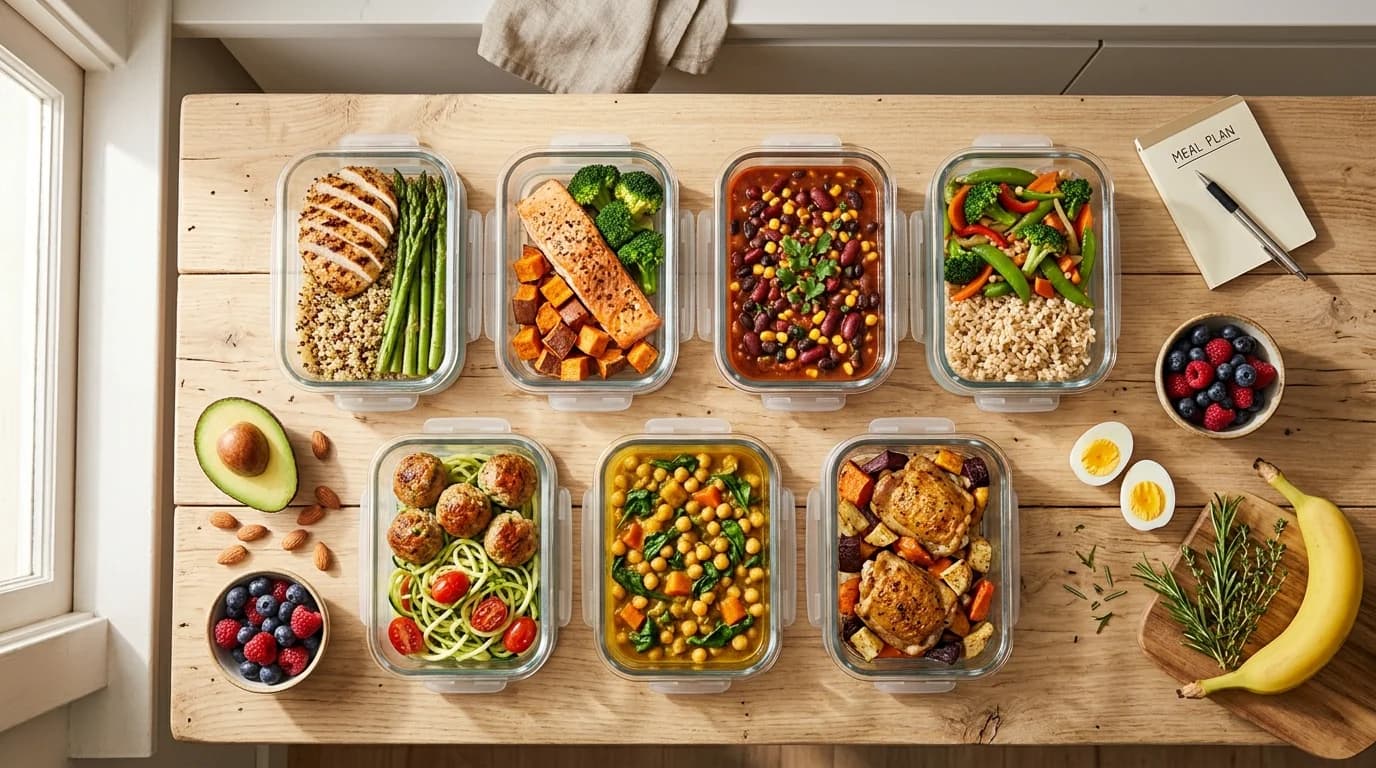
It is especially useful for meals where manual logging is annoying but the food is visible: lunch bowls, meal prep containers, cafeteria plates, takeout, and simple home dinners.
This is why AI tracking pairs well with a system like calorie counting meal prep. If you prep the same chicken bowl three times, the first log may take review. The second and third logs are much faster because the meal is familiar.
What the AI cannot know from a photo
A photo cannot see everything.
The biggest hidden calorie sources are usually not the main food. They are the extras:
- Cooking oil
- Butter
- Creamy sauces
- Salad dressing
- Nuts and nut butter
- Cheese
- Sweetened drinks
- Restaurant marinades
- Rice or pasta hidden under toppings
This is where people get frustrated with AI calorie tracking, but the frustration is usually misdirected. A camera cannot know how much oil went into the pan. A person often cannot know either unless they cooked it.
The fix is not to abandon AI tracking. The fix is to learn which meals need a quick adjustment.
For example, if a restaurant salad looks like 450 calories but has a heavy dressing, avocado, cheese, and candied nuts, you should adjust up. If a homemade chicken plate was cooked with spray oil and measured rice, the estimate may be close enough.
If you struggle with estimating without a scale, read how to count calories without a food scale. The same hand-portion logic works well as a correction layer on top of an AI estimate.
Accuracy is not one number
People ask, "How accurate is AI calorie tracking?"
That question is too broad. Accuracy depends on the meal.
Here is the practical accuracy ladder:
| Best case | Middle case | Hard case |
|---|---|---|
| Single visible foods | Bowls and mixed plates | Restaurant meals and casseroles |
| Packaged foods with labels | Meal prep containers | Foods covered in sauce |
| Repeated home meals | Takeout with visible pieces | Hidden oil, cream, or butter |
For packaged foods, the best source is still the package. The FDA explains that Nutrition Facts values are tied to the listed serving size, so if you eat two servings, the calories and nutrients double. Use the label when it exists.
For generic foods, reliable nutrition data matters. The USDA FoodData Central database is a strong reference point because it is a comprehensive source of food composition data. That does not make every estimate perfect, but it gives the app a better foundation than random user-entered database entries.
For unlabeled, real-life meals, the best workflow is estimate plus review. That is where AI helps most.
Do not judge an AI tracker by whether it guesses one restaurant meal perfectly. Judge it by whether it helps you log 20 more meals this month than you would have logged manually.
When to trust the AI estimate
You can usually trust the first draft when the meal has three traits:
- The main foods are visible.
- The portions are ordinary.
- The meal is not loaded with hidden fat.
Examples:
- Eggs, toast, and fruit
- Chicken breast, rice, and broccoli
- Greek yogurt with berries
- Turkey sandwich with visible sides
- Meal prep bowl with known ingredients
- Protein shake made from a simple recipe
In these cases, do a quick scan: is the protein close, is the carb portion close, is there an obvious sauce or drink missing? If the answer is yes, log it and move on.
This is the part people overcomplicate. A 40-calorie difference does not matter if you are consistently logging. A skipped meal log can matter much more because it breaks the feedback loop.
When to adjust the estimate
Adjust when the miss is likely meaningful.
The highest-impact corrections are:
1. Oil and butter
Oil is calorie dense and often invisible. One tablespoon of oil is roughly 120 calories. If the food looks shiny, fried, sauteed, or restaurant-made, assume there may be more fat than the photo suggests.
2. Rice, pasta, and dense carbs
Carb portions are easy to underestimate from a top-down photo, especially in bowls. If you know the rice was closer to two cups than one cup, adjust it.
3. Sauces and dressings
Sauces can turn a lean meal into a high-calorie meal. Creamy dressings, mayo-based sauces, pesto, peanut sauce, and sweet glazes deserve review.
4. Restaurant portions
Restaurants cook for taste, not your calorie target. They use more oil, larger portions, and richer sauces than most home cooks. If you eat out often, pair this guide with how to track calories when eating out.
5. Packaged food serving sizes
If a packaged snack says 150 calories per serving but the bag has three servings, the photo is not enough. The label wins. The FDA's Nutrition Facts label guide is clear that calorie and nutrient numbers refer to the listed serving size.
AI tracking vs manual tracking
Manual logging has one advantage: if you weigh everything and select perfect entries, it can be very precise.
It also has one big weakness: most people do not keep doing it.
Manual tracking usually asks you to:
- Search each food
- Pick from multiple database entries
- Decide a portion size
- Add ingredients one by one
- Repeat that every meal
That works for some people. It burns out many others.
AI tracking changes the starting point. Instead of building a log from zero, you review a draft. This is why it can be better for real adherence even when it is not more precise on every single meal.
The highest-converting habit is not "track perfectly." It is "track consistently enough that your weekly pattern becomes obvious."
If you are brand new, start with what to do after downloading a calorie tracker. If you already track manually but hate the friction, AI logging is probably the upgrade that matters most.
The best way to use CalorieCue
Use this workflow:
- Take the photo before you start eating.
- Review the food list.
- Check the protein, carb, fat, and sauce.
- Adjust obvious misses only.
- Save repeated meals.
- Watch the weekly trend, not one perfect meal.
That last point is important. Your body responds to repeated intake over time. One imperfect log is not the issue. A week of missing logs is.
This is also why AI tracking works well with grocery and meal-prep systems. If your default foods are predictable, your logs get easier. Build your staples with the calorie counting grocery list, prep a few repeatable meals, then let the app handle the first draft.
Download CalorieCueA simple trust checklist
Before you save a photo log, ask four questions:
- Did it identify the main foods correctly?
- Is the protein portion roughly right?
- Is the carb portion roughly right?
- Are hidden fats, sauces, or drinks missing?
If the answer is good enough, save it.
If one answer is clearly wrong, adjust that one thing.
Do not turn every plate into a courtroom. The purpose of AI calorie tracking is to make nutrition awareness easier, not to create a new obsession.
Where AI tracking fits in your weight-loss plan
AI tracking does not replace the fundamentals.
You still need:
- A realistic calorie target from your TDEE
- A calorie deficit if weight loss is the goal
- Enough protein to stay full
- Repeatable meals you can log without friction
- A weekly trend view instead of daily panic
AI helps with the friction piece. It makes logging easier at the exact moment most people quit: when they are busy, hungry, eating out, or tired of searching a database.
That is enough to matter.
If you log more meals, you see the pattern sooner. If you see the pattern sooner, you can fix the right thing instead of guessing.
The bottom line
AI calorie tracking is not magic. It is a speed layer.
Use the photo estimate as the first draft. Trust it for simple visible meals. Adjust it for hidden oil, sauces, packaged serving sizes, and restaurant portions. Save repeated meals. Focus on the weekly trend.
That is how photo food logging becomes useful: not by being perfect, but by being fast enough that you actually keep doing it.
Ready to make tracking less annoying? Snap your next meal in CalorieCue, review the estimate, and save the log before the meal gets cold.
Frequently asked questions
Is AI calorie tracking accurate?
AI calorie tracking can be accurate enough for daily tracking when the meal is visible, simple, and reviewed before logging. It is weakest with hidden oil, sauces, mixed dishes, oversized restaurant portions, and foods hidden under toppings. Treat the AI result as a first draft and adjust anything obvious.
Is photo food logging better than manual calorie tracking?
Photo food logging is usually better for consistency because it removes the search-and-scroll friction that makes people quit. Manual logging can be more precise for weighed recipes and packaged foods, but AI logging is faster for real-life meals you actually need to track.
When should I manually adjust an AI calorie estimate?
Adjust the estimate when you know the portion is bigger or smaller than it looks, when the meal has oil or sauce that is not visible, when it is a restaurant meal, or when the app picks the wrong food. You do not need to fix tiny differences that will not affect your weekly trend.
Can AI calorie tracking help with weight loss?
Yes, if it helps you log consistently enough to understand your intake. Weight loss still depends on a calorie deficit, but AI tracking can make the habit easier because logging a meal starts from a photo instead of a blank search box.
Should I use a food scale with AI calorie tracking?
Use a food scale when precision matters, such as calorie-dense foods, oils, peanut butter, rice, or recipe prep. For many everyday meals, a photo estimate plus quick review is enough to keep your trend moving.
Does CalorieCue replace nutrition labels?
No. Nutrition labels are still best for packaged foods because the serving size and calories are printed on the package. CalorieCue is most useful when there is no label, the meal is homemade, or manual logging would slow you down.